
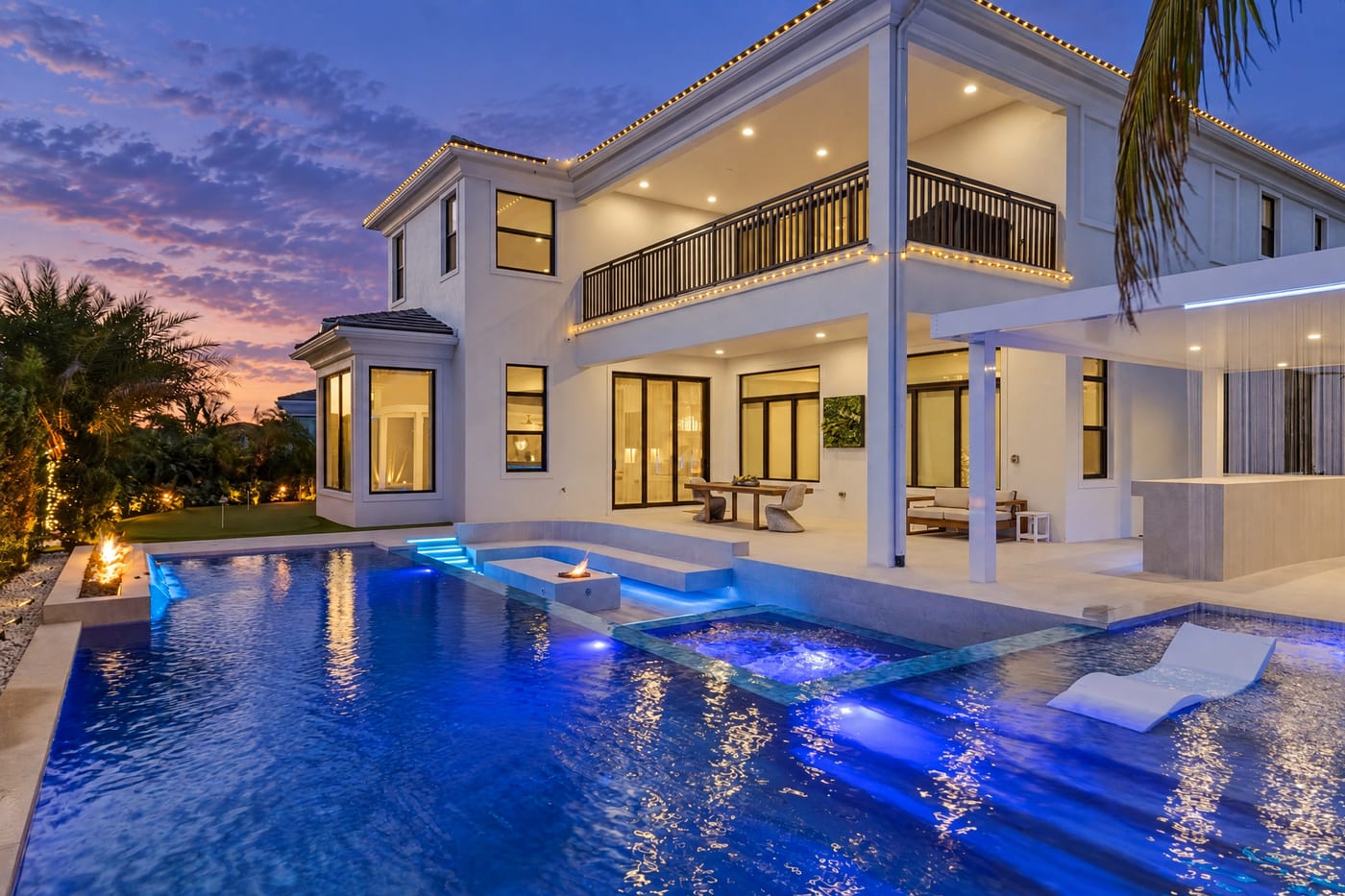
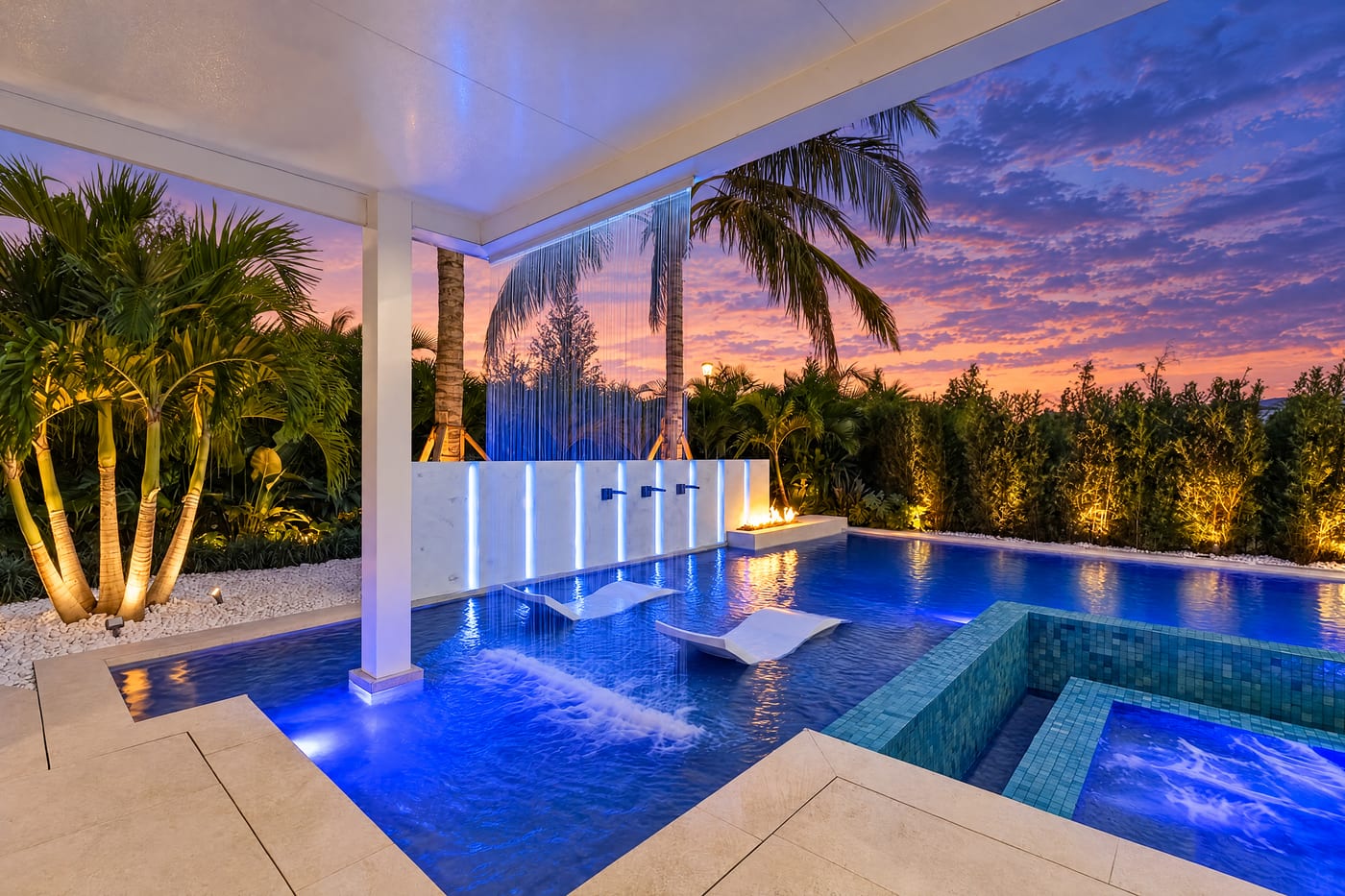
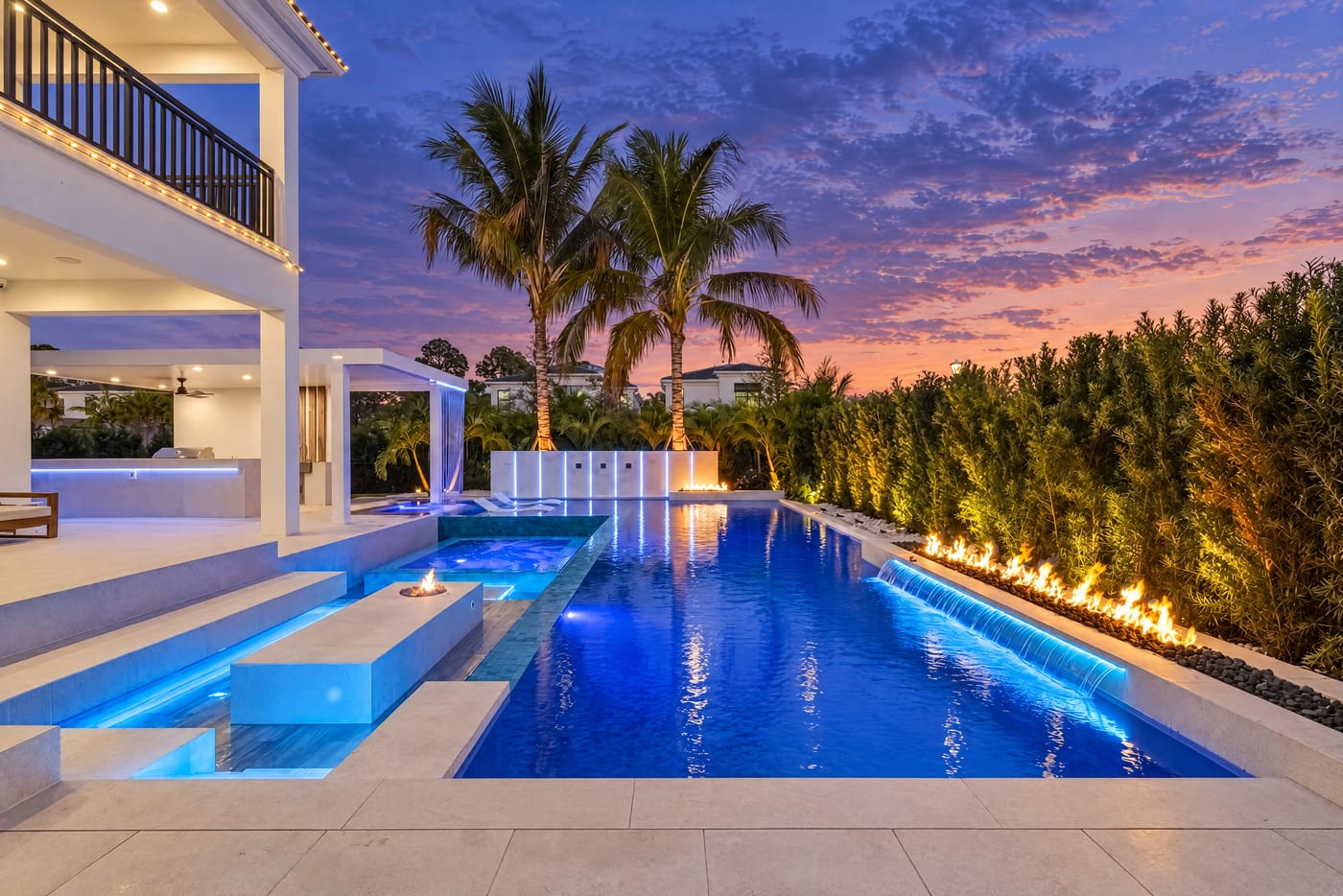
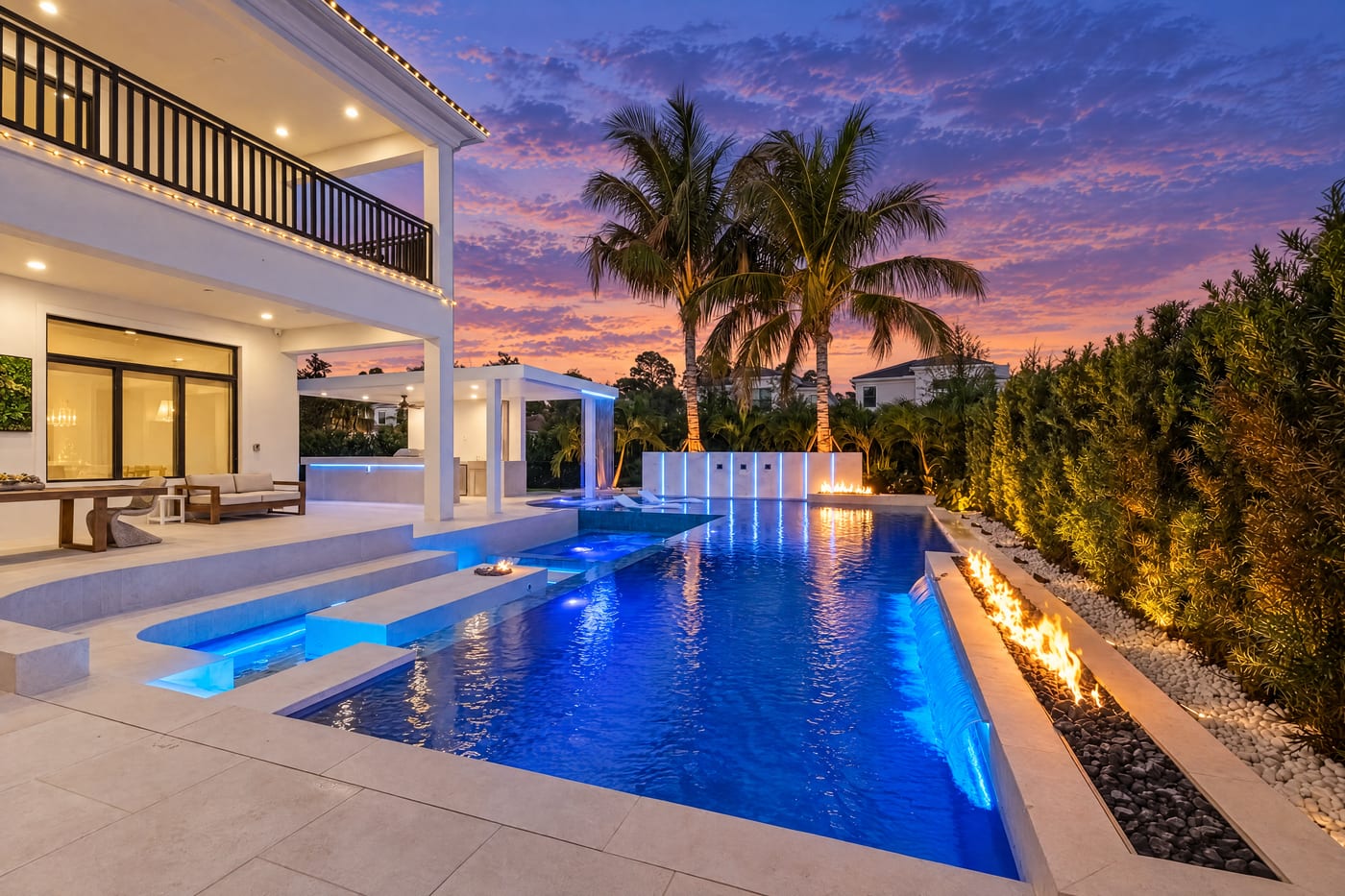
How it works
You edit one photo and approve it. batchlook turns that approval into a set of rules and matches every other angle of the same subject to them.

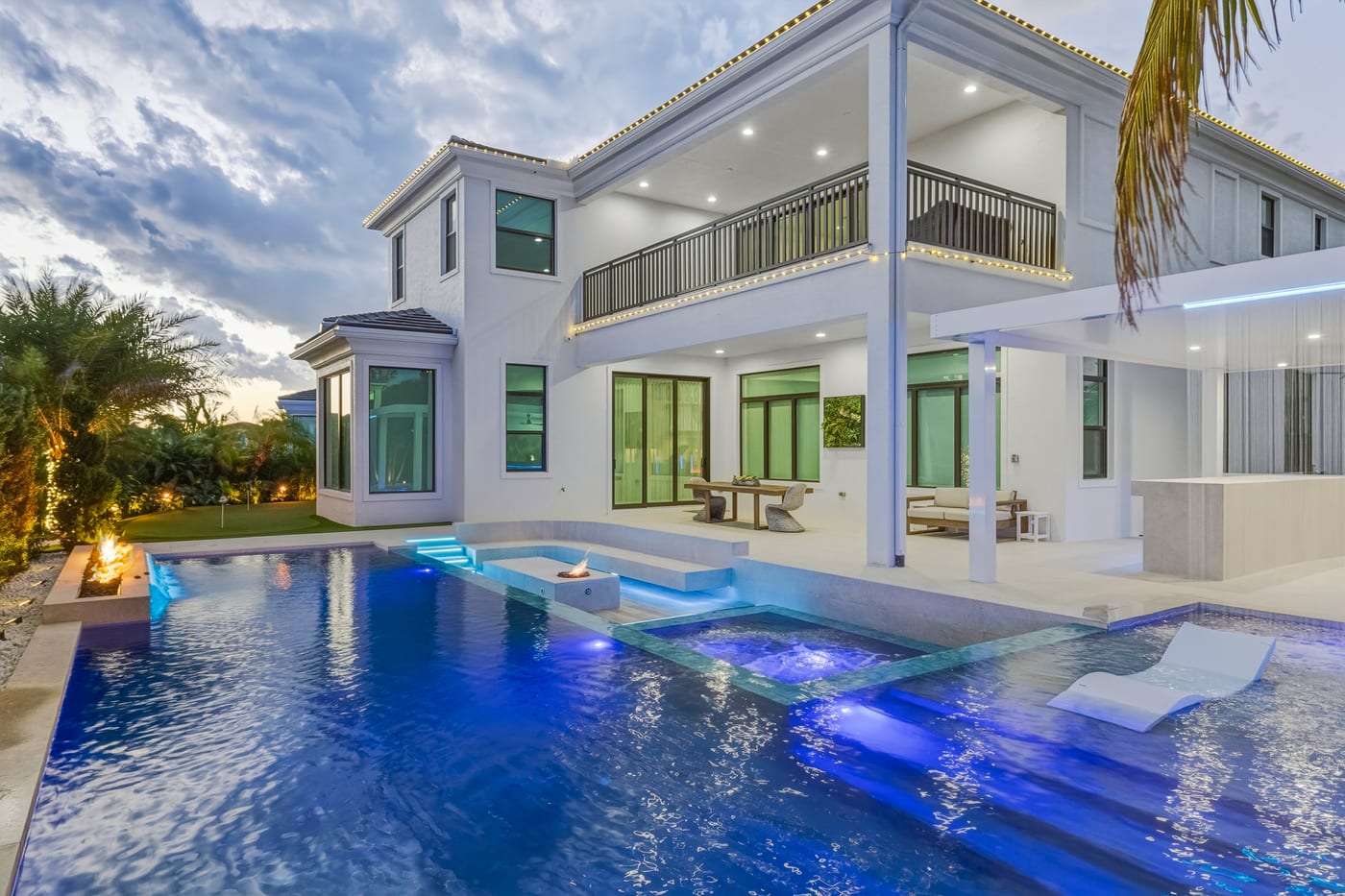
“twilight, lights on”Edit the main photo
Drop the angles of one subject into a set. Pick the clearest one as the main photo, type the edit in plain words or pick a preset, and choose a model. The cost is on the button. Try again until it is right.
ApprovedApprove it
Approving writes a continuity prompt: a short, plain-text description of the sky, light, surfaces, anything staged and where it sits, and what must not be added. You can read and edit it.


Apply to the rest
Every other angle is edited with the approved photo attached as a reference and the sheet in the prompt. Approve a few, run again, and the rest get even more references to match.
Why a main photo
Editing each photo on its own gives you six slightly different skies and six different times of day. Editing the set against one approved photo gives you one look. The approved photo is what the model sees; the continuity prompt is what it reads. Together they hold the sky, the sun direction, the colour temperature and the staged items in place from every angle.
Cheap to try, full size to deliver
The main photo runs at 2K and is priced at what it costs us, so trying a look on it costs almost nothing. When you apply the look to the set, every angle runs at full size, up to 4K, and the main photo gets the same full-size pass with its approved draft as the reference. The cost is on the button before you click.
Notes on one photo
Sometimes one angle needs something the others do not: a bin by the gate, a car in the driveway. Add a note to that photo and it is appended to the prompt for that photo only.
What you get back
Full-size JPEGs at the original pixel dimensions, with the camera's EXIF and colour profile carried over, a folder per set, named after your originals with a suffix you choose. Save straight into a folder on your Mac or PC, or download a zip.
Every photo carries its own Blend, set in the viewer. At 0% you get the model's image as it came back. Above that the app compares the model's result with your original, finds where it changed anything, and composites the model's pixels over your full-resolution file only there, feathered at the edges. A sky swap leaves the house exactly as you shot it. Preview the blend in the viewer before you save.
What it never does
- Change your originals. They are kept untouched and you can delete them at any time.
- Charge for a failed edit. Credits come back automatically, and you can cancel anything still waiting in line.
- Deliver to your client. It is an editing tool; the files go back into your own workflow.